FL STUDIO TRIAL PROJECTS
FL Studio trial: open your saved .flp projects
The FL Studio trial lets you save projects but not reopen them until you buy FL Studio, according to Image-Line's published policy. Freestyle opens a saved .flp file in your browser, including one saved in the trial, and rebuilds it as a Freestyle project.
Open an .flp fileFree to start. Every new account includes a 14-day Pro trial.
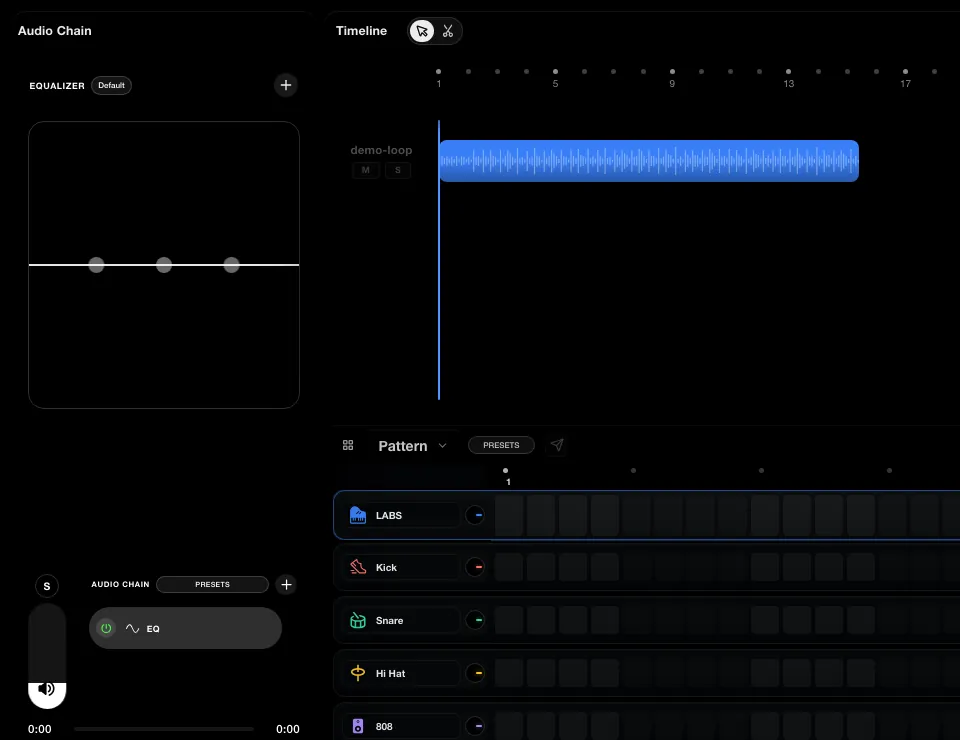
- 01Choose your .flp or ZIP
- 02Freestyle rebuilds the project
- 03Keep working and export
What the FL Studio trial limits
Image-Line's FL Studio trial lets you save projects, but it does not let you reopen them until you buy FL Studio. That limit comes from Image-Line's published policy. The demo has the same limit.
Questions
Can I open an FL Studio trial project?
Yes. Freestyle opens a saved .flp file in the browser, including one saved in the FL Studio trial, and rebuilds it as a Freestyle project.
Why won't my trial project reopen in FL Studio?
Image-Line's trial lets you save projects but not reopen them until you buy FL Studio, according to its published policy. Freestyle is a separate studio that can open the saved file.
Does the FL Studio demo work the same way?
Yes. The demo and the trial have the same limit on reopening saved projects. Freestyle opens the saved .flp file the same way in both cases.
Does Freestyle unlock FL Studio?
No. Freestyle does not unlock, repair or change FL Studio or the .flp file. The project opens in Freestyle, not in FL Studio.
Do I need FL Studio installed to use Freestyle?
No. Freestyle runs in any modern browser on phones and computers, with nothing to install. Every new account starts with a 14-day Pro trial.