LOGIC PRO PROJECTS ON WINDOWS
Logic Pro for Windows: open your projects in a browser
Logic Pro is a Mac app and doesn't run on Windows. Freestyle is a browser music studio that opens a zipped Logic Pro project folder, so you can keep working on a Windows PC or a Chromebook.
Upload a Logic projectFree to start. Every new account includes a 14-day Pro trial.
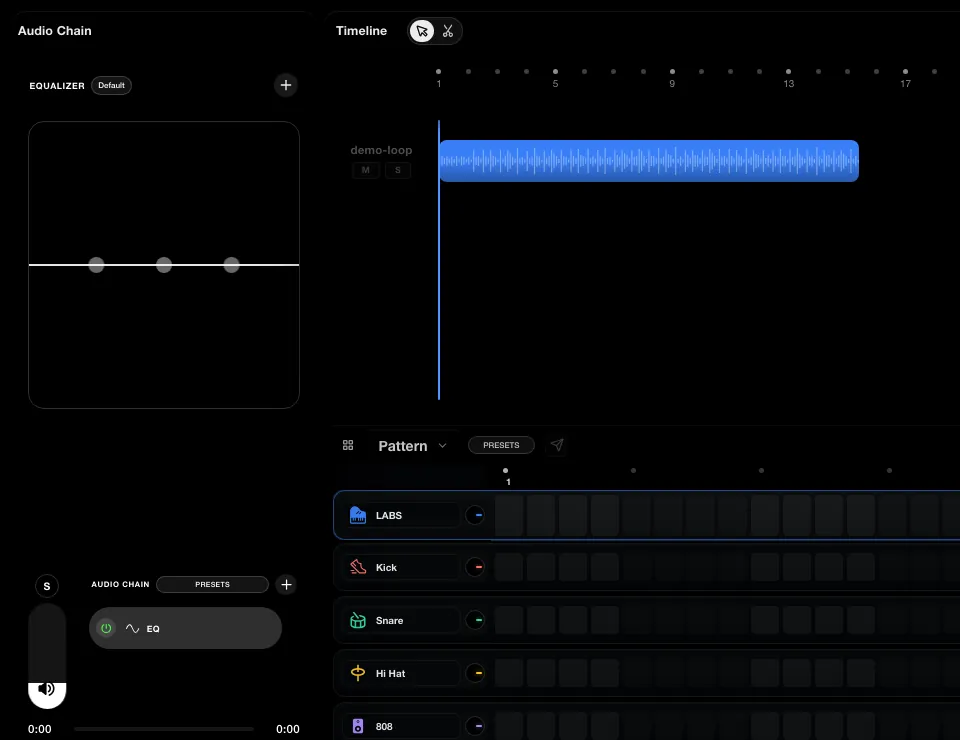
- 01Zip the project folder
- 02Upload the zip
- 03Keep working and export
Logic Pro only runs on macOS
Logic Pro is an installed app for macOS. It runs only on Mac, so it isn't available on Windows or a Chromebook. That's why searches for Logic Pro on Windows lead to dead ends.
Questions
Does Logic Pro work on Windows?
No. Logic Pro runs only on macOS. Freestyle is a browser studio that opens Logic Pro projects on Windows, Chromebook and other computers with a modern browser.
What file do I upload?
Upload a single .zip of the project folder that contains the .logicx file and its Audio Files folder. Freestyle reads the project and its audio from that zip.
Do I need Logic Pro installed?
No. You need only a browser. Freestyle opens the project in the studio without Logic Pro on the computer.
Will my plugins work?
Plugins that Freestyle can't run are listed in the project's Notes. You can replace them with Freestyle's instruments and effects, or export those channels as audio.
Can I export the result?
Yes. Export your mix as a WAV from the studio when it sounds right.