FL STUDIO PROJECTS IN YOUR BROWSER
FL Studio online: open your projects in a browser
There is no FL Studio online version: FL Studio only runs as installed software. Freestyle opens your FL projects in a browser tab, so you can keep making the beat, record vocals and export a mix from any computer.
Open your FL projectFree to start. Every new account includes a 14-day Pro trial.
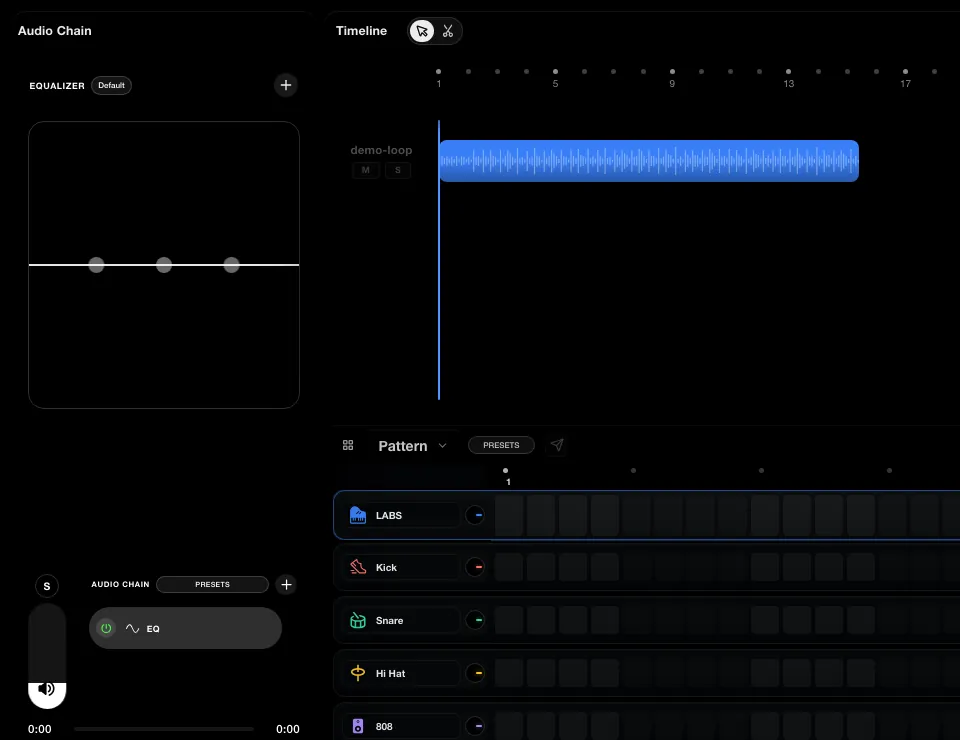
- 01Export from FL Studio
- 02Upload it to Freestyle
- 03Play, record and export
Is there an online version of FL Studio?
No. FL Studio is desktop software for Windows and macOS, and Image-Line doesn't offer a browser version. If you're on a Chromebook, a school or work computer, or a laptop without your plugins, you can't open it there.
Questions
Can I use FL Studio online?
Not FL Studio itself: it has no browser version. Freestyle is a browser music studio that opens your .flp projects, so you can keep working on them online.
Can I open an FLP file without FL Studio?
Yes. Freestyle reads the .flp file itself and rebuilds the patterns, playlist and notes in a browser studio. You don't need FL Studio installed or a license.
Will my samples come with the project?
Only if they're inside the file you upload. An .flp stores paths to samples on your computer, not the audio. Export a Zipped loop package from FL Studio to include them.
Can I turn an FLP into an audio file?
Yes. Upload the project to Freestyle, check that it plays the way you expect, then save it and download the mix as a WAV file.
How big can the project be?
A single .flp can be up to 32 MB. A zipped loop package or project folder can be up to 1 GB, which covers most projects with their samples.