TRIM AUDIO IN YOUR BROWSER
Audio cutter online: trim a clip to the part you need
An audio cutter removes the start and end of a recording so only the section you choose is left. Freestyle does this in your browser: upload the file, set the edges on the timeline, then download the cut as a WAV.
Upload audio to trimFree to start. Every new account includes a 14-day Pro trial.
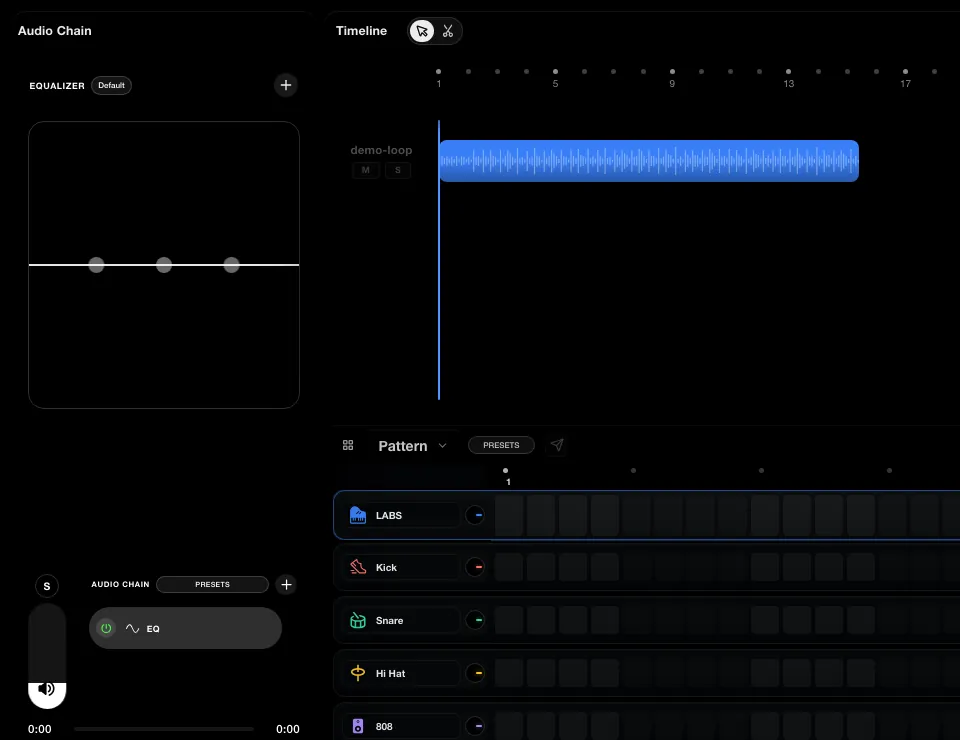
- 01Choose the file
- 02Trim or cut the clip
- 03Save and download
Set the edges by ear
A cut sounds right when it starts and stops at a natural point. Good places include just before a drum hit or on the first word of a line.
Questions
What does an audio cutter do?
It removes the start and end of a recording, so only the section you choose remains. Freestyle does this on a timeline and downloads the result.
Can I cut audio on my phone?
Yes. Freestyle runs in the browser on phones and computers, so you don't install anything.
What format do I get back?
The cut downloads as a WAV file.
Will my original file change?
No. The file on your device is not changed. Only the trimmed clip in your project changes.
How exact can the edges be?
Listen to the start and end while the song plays. Adjust them as many times as you need before you export.