CUT AN MP3 IN YOUR BROWSER
MP3 cutter online: trim the start and end of a song
An MP3 cutter trims a file down to the part you need. Upload an MP3 to Freestyle, trim the start and end of the clip on the timeline, then export the result as a WAV.
Cut an MP3Free to start. Every new account includes a 14-day Pro trial.
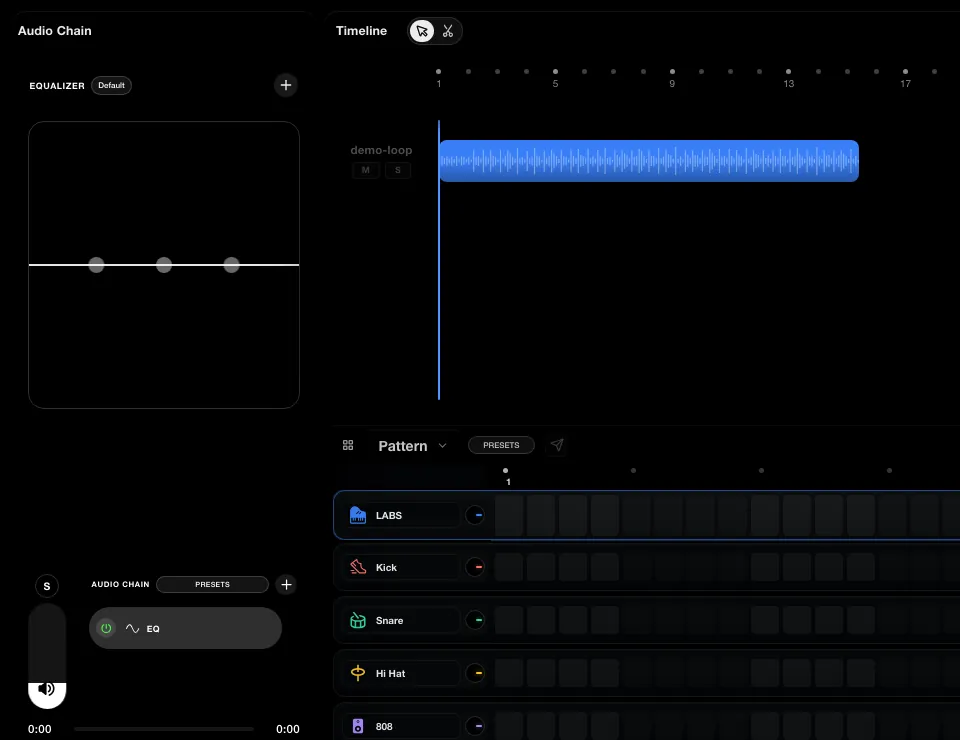
- 01Upload the MP3
- 02Trim the clip
- 03Save and download
Cutting an MP3 without changing the original
Cutting is useful for a hook, a verse, a sample or a short intro. You trim the clip on the timeline, and your original file is not changed.
Questions
What is an MP3 cutter?
An MP3 cutter trims an MP3 file to a shorter section. Freestyle does this on a timeline in your browser and exports the result.
Is an audio cutter the same thing?
For trimming, yes. An audio cutter removes the start and end of a file. Freestyle works as an audio cutter for any common format you upload.
Can I cut a section out of the middle?
Yes. Use the scissors next to the Timeline title to cut the clip at both points, then select the piece you don't want and press Delete. Export what is left.
Does cutting lower the quality?
No. Freestyle downloads the trimmed audio as a WAV file, so it is not compressed again.
Do I need to install anything?
No. Nothing to install. Freestyle works in a browser on phones, Macs, Windows PCs and Chromebooks.