MAKE AN INSTRUMENTAL IN YOUR BROWSER
Make an instrumental online from a song you own
To make an instrumental, you take the vocal out of a song and keep the backing. Upload the song to Freestyle and the studio splits it into vocal and instrumental stems you can record over.
Make my instrumentalFree to start. Every new account includes a 14-day Pro trial.
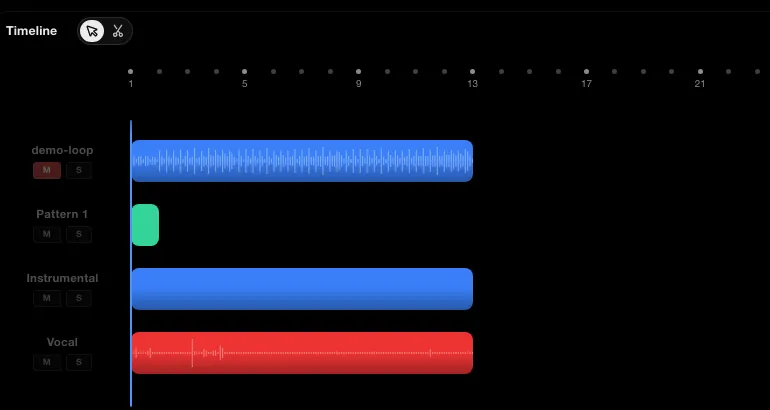
- 01Upload your song
- 02The split starts
- 03Mute the vocal and record
What the instrumental stem is
The instrumental is the song with the vocal taken out. It keeps the drums, bass, keys and other parts that were playing under the singer.
Questions
How do I make an instrumental from a song?
Upload the song, let the split run once the song is on the timeline, then mute the vocal stem and keep the instrumental.
Is making an instrumental the same as removing vocals?
They do the same job. Both split the vocal from the music. Freestyle gives you the instrumental as a stem you can record over.
Will the instrumental be perfect?
No split is perfect. Some vocal sound can bleed into the instrumental, so listen to it and record a test take before you commit.
Which files can I upload?
Freestyle accepts WAV, MP3, M4A, AAC, FLAC, OGG and AIFF files.
Do I need to install anything?
No. Freestyle runs in a browser on phones and computers, including Mac, Windows and Chromebook.