REMOVE VOCALS IN YOUR BROWSER
Vocal remover online for songs you own
A vocal remover takes the singing out of a song and leaves the instrumental. In Freestyle you upload a song you own, split out the instrumental, then record your own vocal over it.
Upload a songFree to start. Every new account includes a 14-day Pro trial.
- 01Upload your song
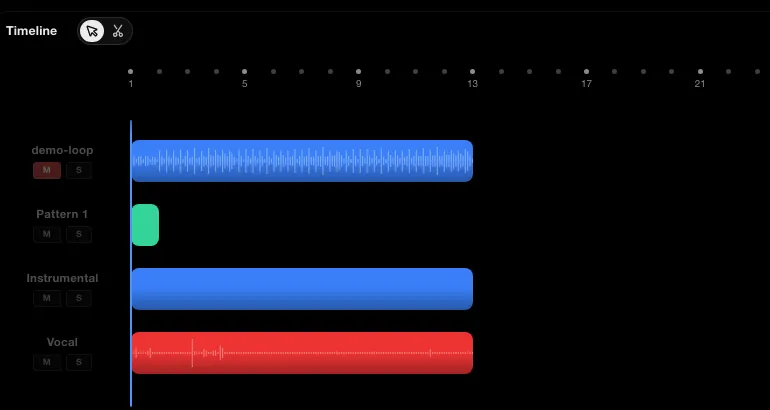
- 02The instrumental splits out
- 03Record your vocal
How a vocal remover works in Freestyle
Uploading a song doesn't remove the vocals on its own. The upload imports the song onto the timeline. Then you run stem splitting on that track, from the timeline or by asking Mozart AI, and the vocal and the instrumental come out as separate stems.
Questions
How do I remove vocals from a song?
Upload the song, then split it into stems from the timeline or by asking Mozart AI. Keep the instrumental stem as your backing track.
Does the vocal get removed as soon as I upload?
No. Uploading imports the song onto the timeline. You start the stem split yourself, and progress shows while it runs.
Can I remove vocals from an MP3?
Yes. Freestyle accepts common audio files, including WAV, plus AAC, FLAC, OGG and AIFF.
Will the instrumental sound perfect?
No vocal remover gives a flawless result. Some backing tracks keep faint traces of the vocal or lose a little detail. Listen to the instrumental, then record a test take to check that it fits.
Do I need to install anything?
No. Freestyle runs in any modern browser on a phone or computer, including Chromebooks and Macs.