REMOVE DRUMS IN YOUR BROWSER
Drum remover online: split the drums out of a song
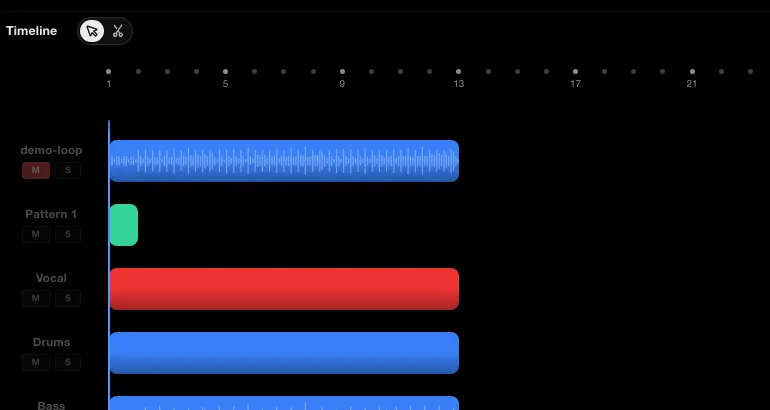
A drum remover takes the drums out of a song so you can hear the rest of the mix. Upload a song you own to Freestyle and it splits the track into four stems: vocals, drums, bass and other.
Remove the drumsFree to start. Every new account includes a 14-day Pro trial.
- 01Upload the song
- 02The stems split out
- 03Mute the drums and build
Four stems, not two
A two-stem split gives you a vocal and an instrumental. Four stems let you pull out one group of sounds, such as the drums, and keep the bass and the vocal.
Questions
How do I remove drums from a song?
Upload the song, wait for the four stems to appear, then mute the drums lane and export the rest.
What are the four stems?
Vocals, drums, bass and other. The other stem holds sounds that are not vocal, drums or bass, such as keys, guitars and synths.
Will the drums be completely gone?
Not always. A split can leave some drum sound in the other stems. Listen to the result before you use it.
Can I put my own drums in?
Yes. Build a pattern with kick, snare, hi hat and 808 channels, or play drum pads on the timeline.
Which file types work?
WAV, MP3, M4A, AAC, FLAC, OGG and AIFF files all work.