REMOVE BASS IN YOUR BROWSER
Bass remover online: take the bass out of a song
A bass remover takes the bass line out of a song, so you can play your own bass over the rest. Upload a song you own to Freestyle and the bass splits into its own stem you can mute.
Remove the bassFree to start. Every new account includes a 14-day Pro trial.
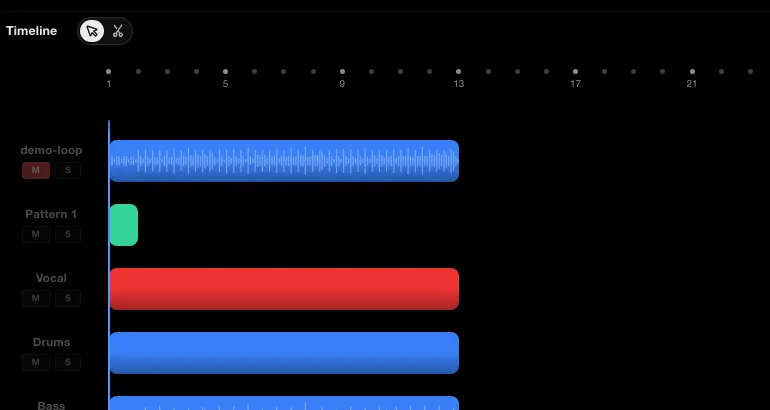
- 01Upload the song
- 02The bass stem appears
- 03Mute the bass and play
Why the bass is hard to isolate
Bass sits low, and the kick drum shares much of the same range. A split can leave some kick in the bass stem or some bass in the drums.
Questions
How do I remove the bass from a song?
Upload the song, wait for the bass stem to appear as a lane, then mute that lane.
Is the bass completely gone after muting?
Usually not perfectly. Some low sound can stay in the other stems. Listen to the muted mix before you record over it.
What does the bass stem contain?
It holds the bass line and the low sounds the split identifies as bass.
Can I add my own bass line?
Yes. Play the piano instrument or a MIDI keyboard, or place notes into a pattern.
Do I need a MIDI keyboard?
No. You can play with a mouse or touch, or with the computer keyboard. A MIDI controller is optional.